
Evolution API: How to Integrate WhatsApp and n8n for Free Business Chatbots
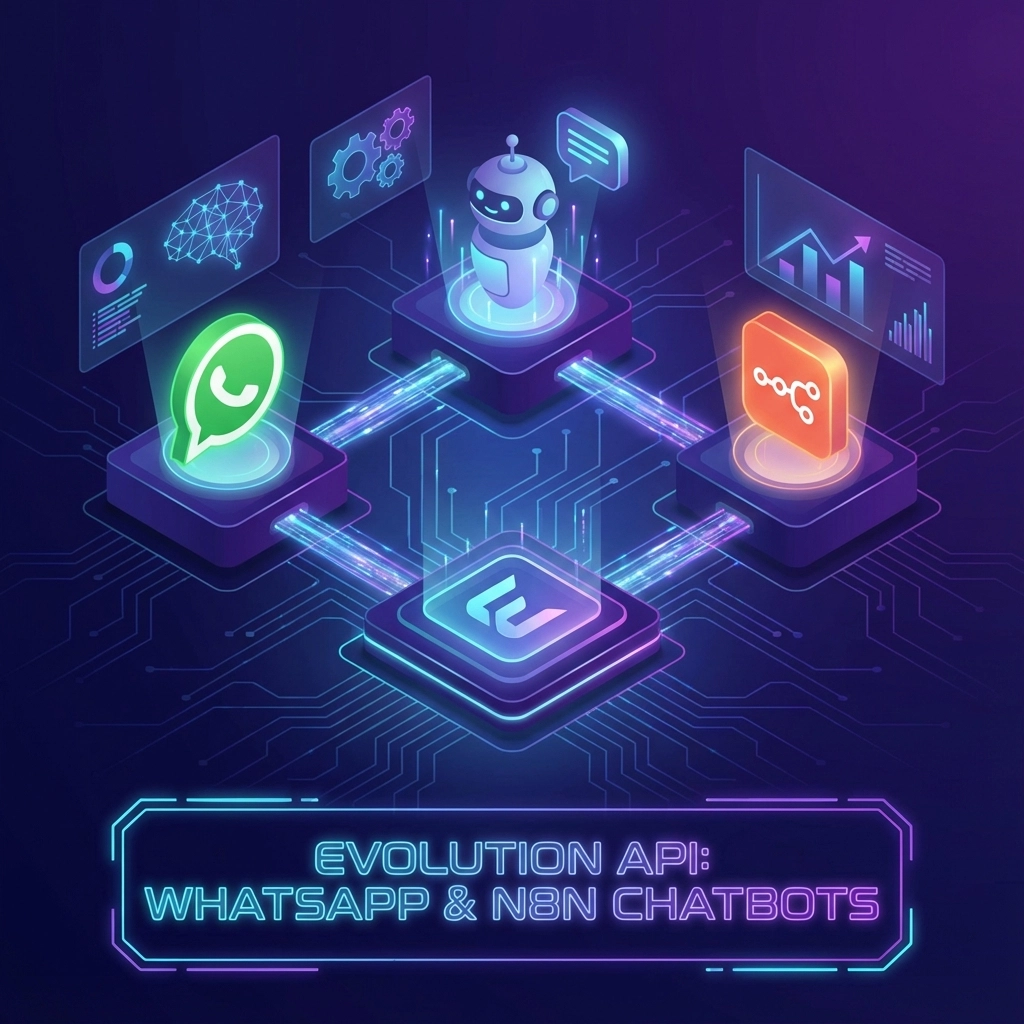
If you're running a small business in India and wondering how to automate your WhatsApp customer support without breaking the bank, you're in the right place. Evolution API is changing the game for businesses that want to create powerful AI chatbots on WhatsApp without the hefty fees and complex approval processes of Meta's official Business API.
Today, we'll walk through exactly how Evolution API works, how to integrate it with n8n for workflow automation, and most importantly: how to set up your own free WhatsApp chatbot that actually helps your business grow.
What is Evolution API and Why Should You Care?
Evolution API is an unofficial WhatsApp integration solution that lets you connect your business systems directly to WhatsApp. Unlike Meta's official WhatsApp Business Cloud API, Evolution API doesn't require lengthy approval processes, monthly fees, or complex verification steps.
Think of it as a bridge between your business tools and WhatsApp. Whether you want to send order confirmations, answer customer queries, or notify clients about new products, Evolution API makes it possible: and affordable.

The best part? It's completely free to use for most small to medium-sized businesses. No hidden costs, no monthly subscriptions, just a powerful tool that helps you automate your WhatsApp communications.
Real Business Use Cases That Actually Work
Let's get practical. Here are some ways Indian businesses are already using Evolution API to grow their operations:
E-commerce Order Management
Imagine a customer places an order on your website. Within seconds, they receive a WhatsApp message with order confirmation, tracking details, and estimated delivery time. No manual work required.
Customer Support Automation
Set up automatic responses for common questions like "What are your store timings?" or "Do you deliver to my area?" Your customers get instant answers, even at 2 AM.
Appointment Scheduling
For service businesses like salons, clinics, or consultancies, automatically send appointment reminders, confirmations, and follow-up messages through WhatsApp.
Lead Qualification
Capture leads from your website and automatically start conversations on WhatsApp to qualify them before passing to your sales team.
Inventory Alerts
Notify your regular customers when their favorite products are back in stock or when you're running special promotions.
Why n8n Makes Everything Better
n8n is a workflow automation platform that connects different apps and services together. When you combine Evolution API with n8n, you create powerful automation workflows without writing a single line of code.
Here's what makes this combination perfect for Indian SMEs:
- Visual workflow builder – Drag and drop to create automations
- Cost-effective – n8n has generous free tiers for small businesses
- Connects everything – Link your CRM, inventory system, payment gateway, and more
- No coding required – Perfect for non-technical business owners

Step-by-Step Integration Guide
Ready to set up your own WhatsApp automation? Here's exactly how to do it:
Step 1: Setting Up Evolution API
First, you'll need to deploy Evolution API on a server. You can use services like Railway, Heroku, or even a simple VPS. The Evolution API comes with easy deployment options that don't require deep technical knowledge.
Once deployed, you'll have your own API endpoint that can send and receive WhatsApp messages. The setup typically takes 15-30 minutes if you follow the documentation.
Step 2: Connecting to n8n
Create your free n8n account and set up a new workflow. You'll use HTTP Request nodes to communicate with your Evolution API endpoint. The beauty of n8n is that you can test each step of your workflow before going live.
Step 3: Creating Your First Automation
Start simple. Create a workflow that sends a "Thank you" message when someone fills out a contact form on your website. You'll connect:
- Webhook trigger (when form is submitted)
- Evolution API call (send WhatsApp message)
- Optional: Save contact details to your CRM
Step 4: Testing and Refinement
Always test your workflows with real scenarios. Send yourself test messages, try different triggers, and make sure everything works smoothly before launching to customers.
Building Your Free WhatsApp Chatbot
Now for the exciting part: creating an actual AI chatbot that can handle customer conversations intelligently.
Basic Chatbot Structure
Your free chatbot needs three core components:
- Message receiver – Captures incoming WhatsApp messages
- Logic engine – Decides how to respond based on keywords or phrases
- Response sender – Sends appropriate replies back to customers
Setting Up Automated Responses
Start with common customer questions. Create a simple keyword-based system:
- "timings" → Respond with store hours
- "location" → Send your address and Google Maps link
- "price" → Provide pricing information or product catalog
- "order" → Guide them through the ordering process
Adding Intelligence with AI
For businesses ready to level up, integrate AI services like OpenAI or Google's Gemini through n8n. This lets your chatbot understand context and provide more natural, helpful responses.

Practical Implementation for Indian Businesses
Let's talk specifics for the Indian market. Here's what works particularly well:
Multi-language Support
Set up your chatbot to recognize and respond in Hindi, English, and local languages. Evolution API handles Unicode perfectly, so you can send messages in any Indian language.
Payment Integration
Connect your chatbot to UPI payment systems. When a customer wants to order something, your bot can generate payment links and confirm transactions automatically.
Local Business Features
- Delivery area checks – Automatically check if you deliver to customer locations
- COD confirmations – Handle cash-on-delivery bookings through WhatsApp
- Festival greetings – Schedule automated festival wishes to maintain customer relationships
Advanced Automation Scenarios
Once you're comfortable with basic setups, try these advanced automations:
Smart Inventory Alerts
Connect your inventory system to automatically notify customers when items they've previously inquired about come back in stock.
Follow-up Sequences
Create multi-step follow-up sequences for leads, ensuring no potential customer falls through the cracks.
Customer Feedback Collection
Automatically request feedback a few days after purchase, helping you improve your products and services.
Cost Benefits for Small Businesses
Let's talk numbers. Traditional WhatsApp Business API solutions can cost ₹5,000-₹15,000 per month for medium usage. With Evolution API and n8n:
- Evolution API: Free (hosting costs ₹500-₹1,000/month)
- n8n: Free for up to 5,000 workflow executions/month
- Total monthly cost: Under ₹1,500 for most small businesses
That's a 70-90% cost saving compared to enterprise solutions, while getting the same functionality.

Getting Started Today
Ready to implement WhatsApp automation for your business? Start with these immediate actions:
- Define your use case – What specific problem do you want to solve?
- Set up Evolution API – Deploy it on a simple hosting platform
- Create your first n8n workflow – Start with something simple like contact form notifications
- Test thoroughly – Make sure everything works before going live
- Scale gradually – Add more features as you get comfortable
Common Challenges and Solutions
Every implementation has hurdles. Here are the most common issues and how to solve them:
Message delivery delays – Usually solved by upgrading your hosting plan or optimizing your API calls.
Rate limiting – Implement proper delays between messages to avoid WhatsApp restrictions.
Message formatting – Test your message formats across different phone types to ensure compatibility.
Expert Support When You Need It
While Evolution API and n8n are designed to be user-friendly, sometimes you need expert guidance to implement complex automation scenarios or integrate with existing business systems.
At Unwavering Technology, we specialize in helping Indian businesses implement cost-effective automation solutions. Our team has hands-on experience with Evolution API, n8n, and the unique challenges of the Indian market.
Whether you need help with initial setup, custom integrations, or scaling your automation as your business grows, we provide custom-tailored solutions that drive growth while keeping costs manageable.
Take Action Now
WhatsApp automation isn't just for big corporations anymore. With Evolution API and n8n, any business can provide instant, professional customer service that builds loyalty and drives sales.
Start small, think big, and watch your business transform. Your customers are already on WhatsApp: it's time your business systems caught up.
Ready to elevate your customer communication? Contact us to discuss how we can help implement the perfect WhatsApp automation solution for your business.
Leave a Reply